 KeyLink
Thru for every message
Not just the pedal: everything arriving at the input is passed to the output, like a MIDI cable.
Expression · Volume · Sustain
Use expression and sustain pedals even on keyboards that don’t have those inputs. With KeyLink, your phone connects your devices and passes messages between them, so you can control volume, expression and sustain right on your keyboard.
Android and iPhone · USB and Bluetooth MIDI · keeps running with the screen off on Android
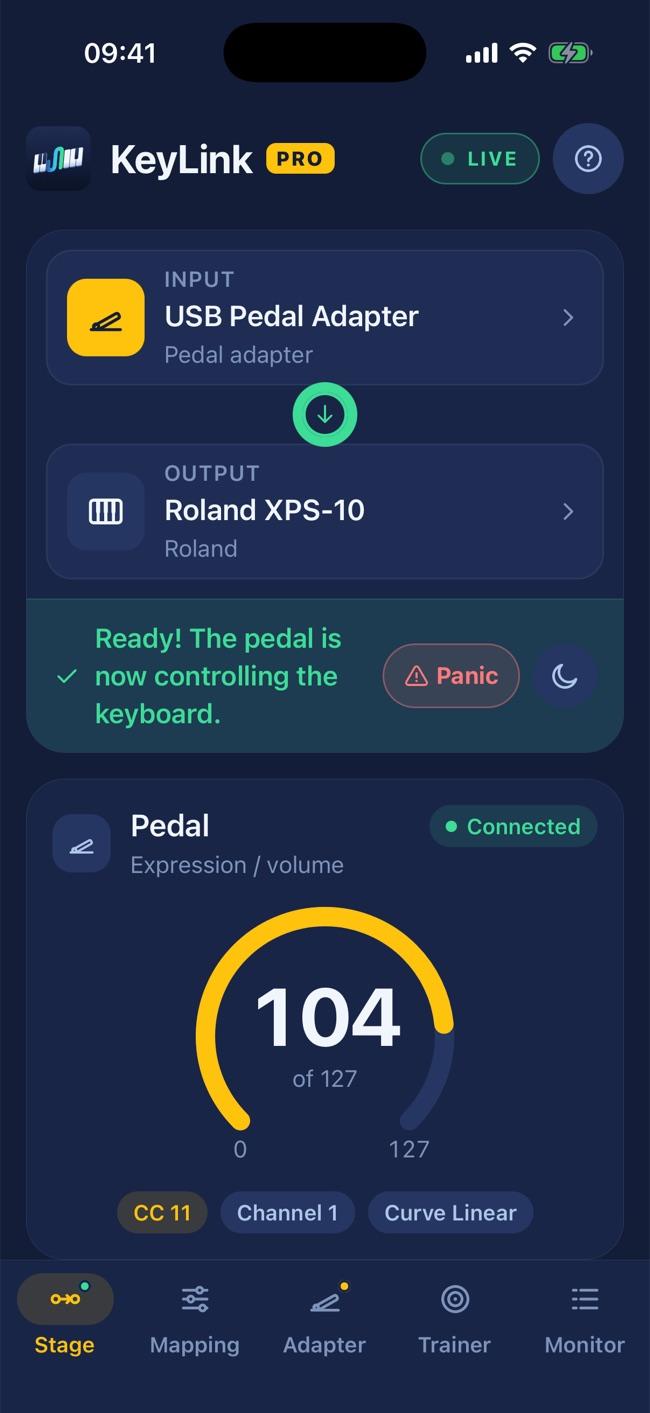
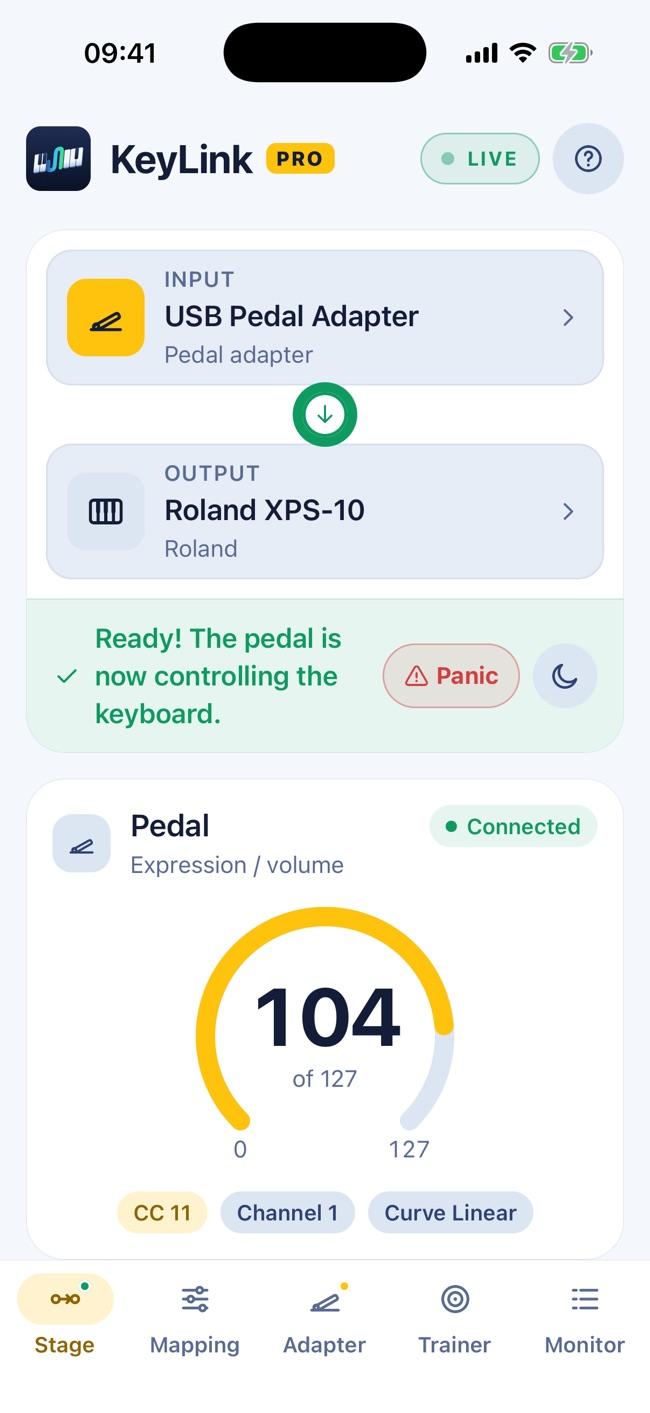
How it works
Nothing to set up: the app recognizes your gear and starts working on its own.
Connect your pedal or controller and your keyboard to the phone — over USB or Bluetooth.
Your devices show up instantly and the app remembers your setup. Next time, it connects on its own.
Notes, controllers, pitch bend, program changes, SysEx — everything goes straight to the keyboard, with no noticeable delay.
* The app delivers MIDI messages to the keyboard; how it responds to each controller (expression, sustain, volume…) depends on the keyboard and the sound. See "Will it work with my keyboard?" in the FAQ.
Your keyboard
Keyboards with great sound and few pedal inputs. See how it works on yours.
Expression and volume pedals on entry-level Privias, which only have a sustain input.
Learn moreSustain and expression at the same time on a keyboard with a single pedal input.
Learn moreAnother keyboard? If it has USB to Host with MIDI, it will most likely work — see the FAQ.
Two keyboards
Use one keyboard as a MIDI controller for the other — even if it only has USB and no traditional MIDI (DIN) output. Your phone bridges them, no computer needed: play a different sound on each keyboard and turn that idle keyboard into part of your setup.
On your main keyboard, put the second sound on a MIDI channel other than the keyboard’s own — channel 2, for example. This usually lives in combination, performance or multitimbral mode.
In the app, pick the controller as the input and your main keyboard as the output.
Set the channel on the controller itself, or let Pro force the output channel. Whatever you play on it goes only to the second sound.
To play, prefer a USB cable: response is practically instant. Bluetooth MIDI works too, with a little more delay — fine for pads, strings and accompaniment.
Your main keyboard needs USB MIDI and must play parts on different channels. Try the free version before buying.
Features
Simple if you just want your pedal working. Deep if you want to tweak every detail.
Not just the pedal: everything arriving at the input is passed to the output, like a MIDI cable.
Messages are routed by the system, in the app’s native code. Low latency, no hiccups.
Black screen and minimum brightness during the show. On Android, thru keeps going with the screen off.
Stuck note or sustain? One tap releases everything on all 16 channels.
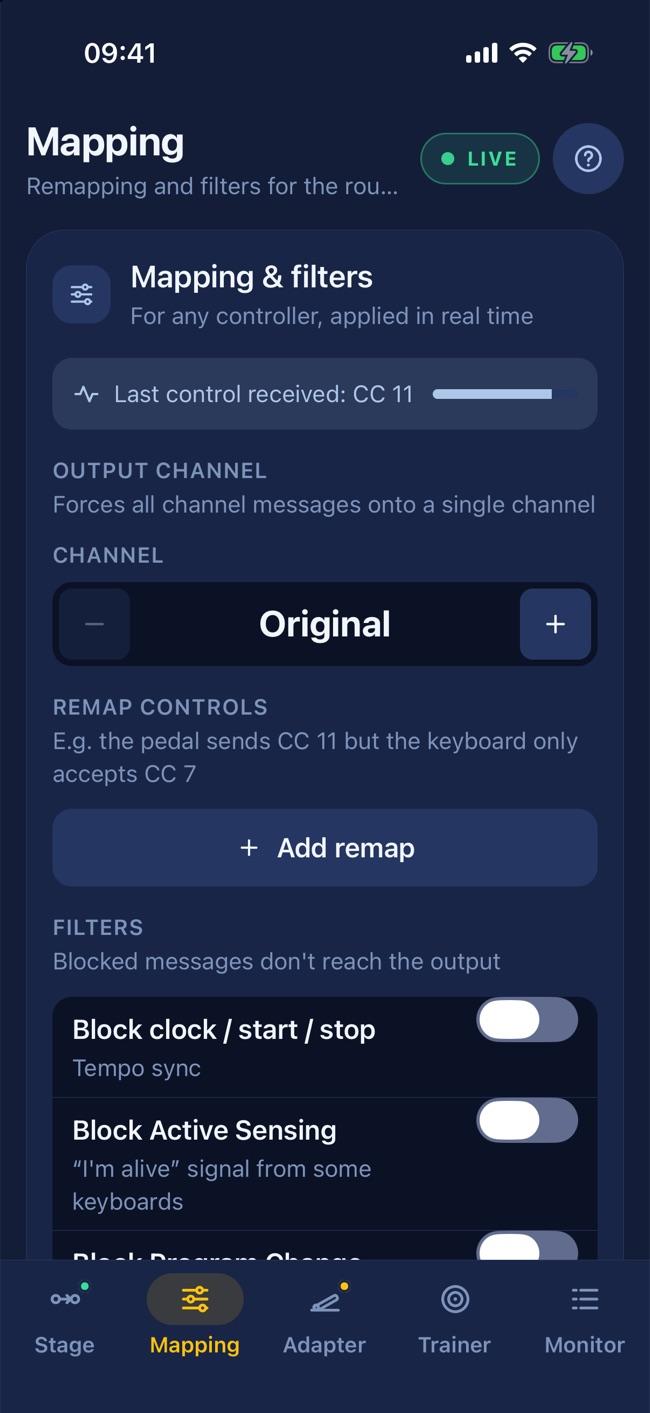
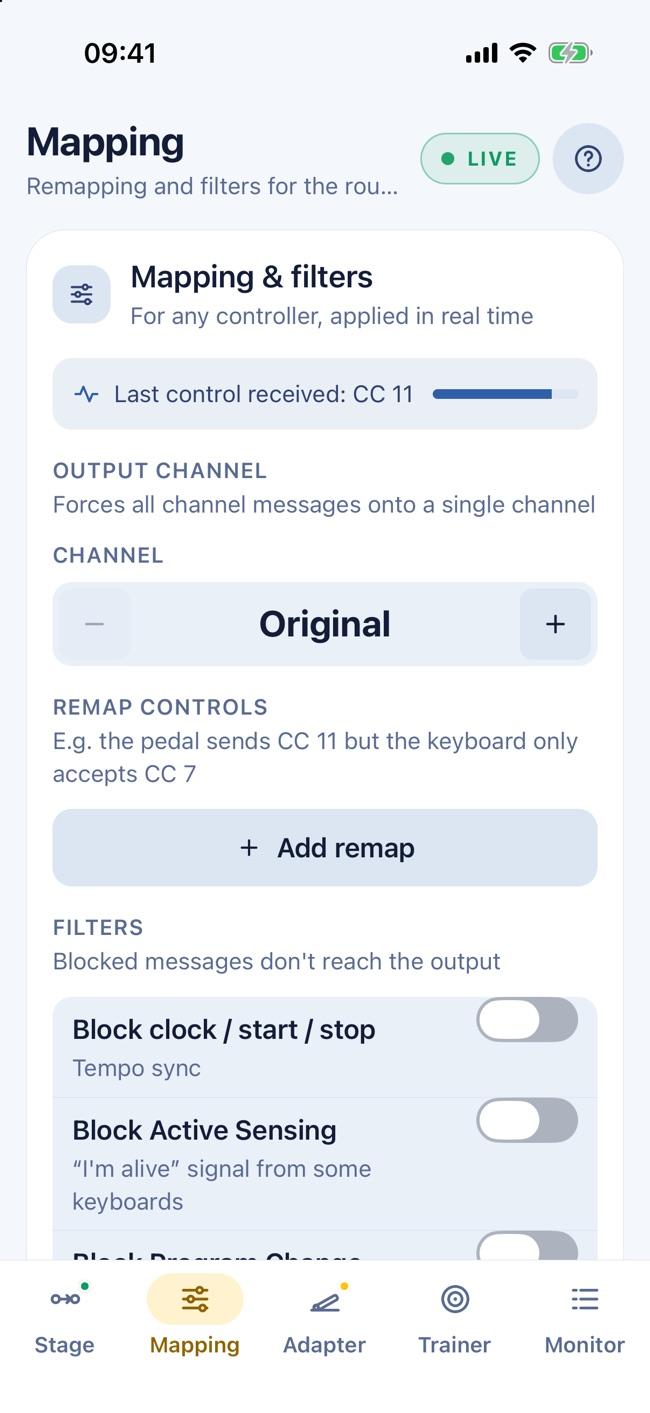
Pedal sends CC 11 but the keyboard only takes CC 7? Change the controller, curve, range and output channel.
Block clock, active sensing, program changes or SysEx that confuse your keyboard.
Cable came loose? Plug it back and the route returns by itself.
See every message going through. Great for finding out what your controller sends.
Wireless footswitches such as the M-Vave Chocolate work as an input too.
Pedal training
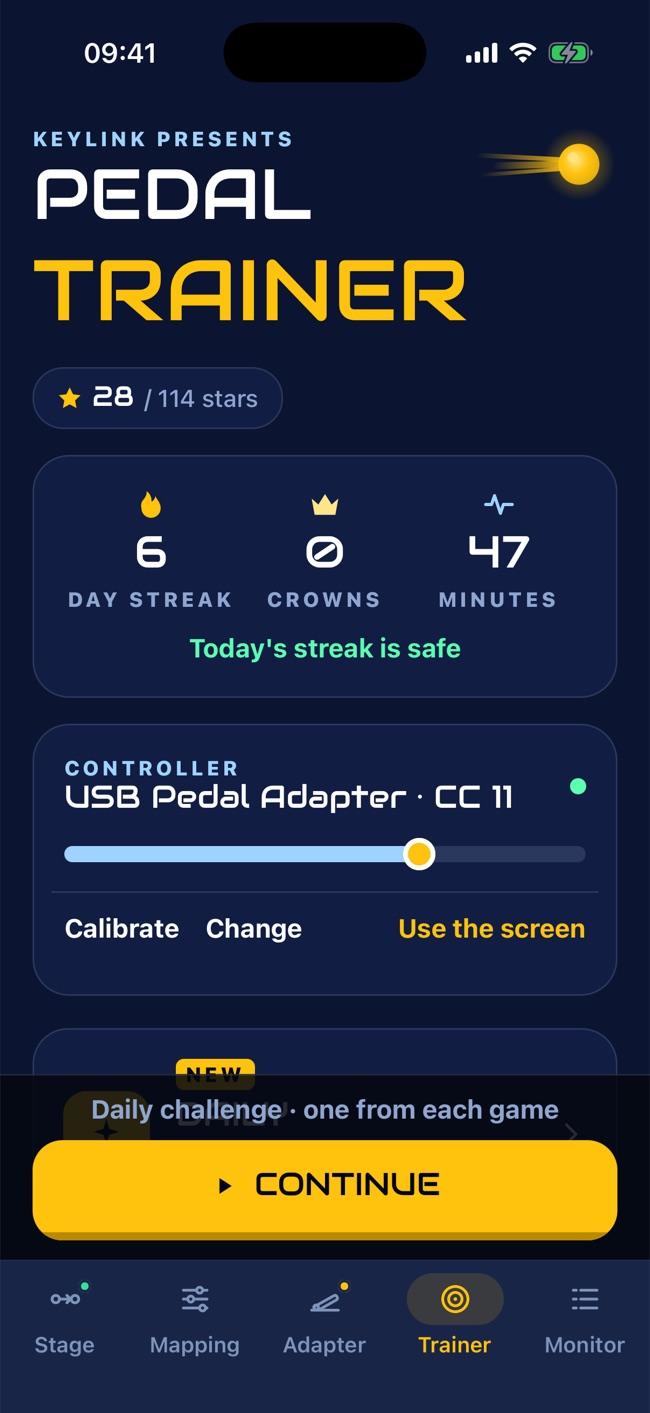
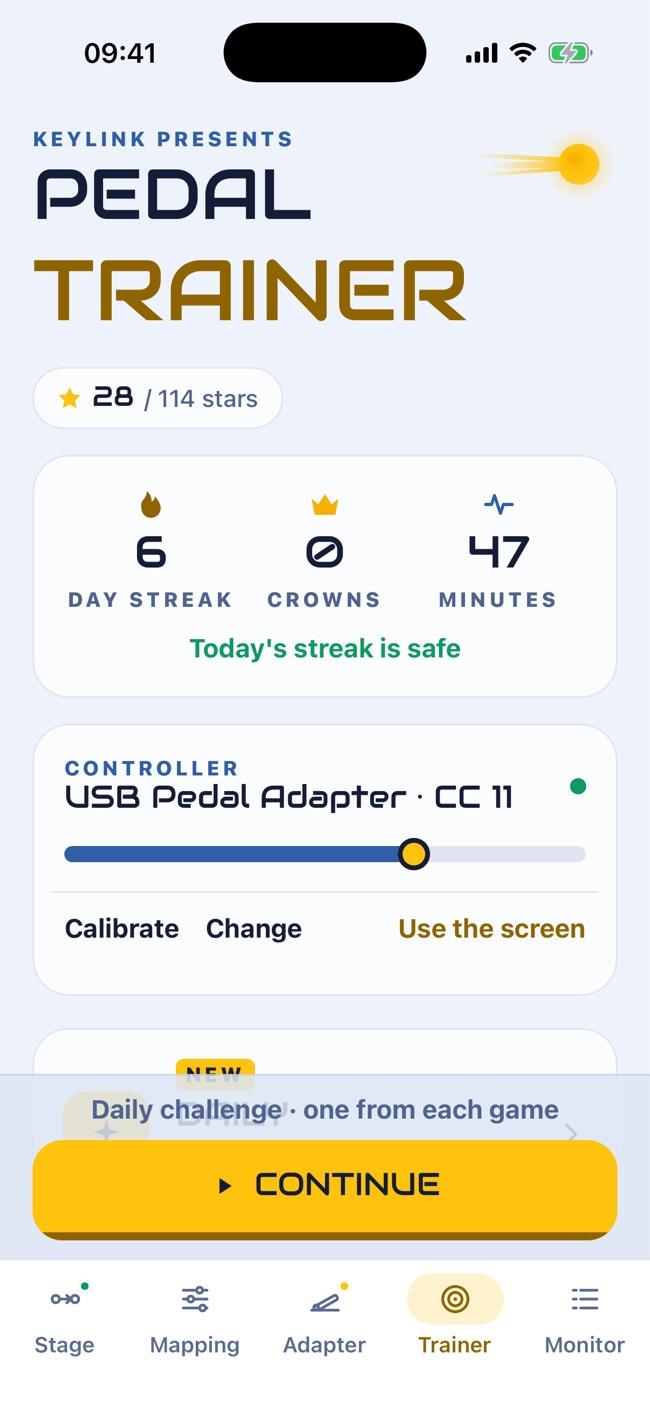
Short exercises, with real music playing, that build precision, timing and fine control on your expression pedal. Every session shows your progress and what to practice next.
Free test right now, nothing to install: Chrome or Edge on your computer, with your pedal.
Follow the curve
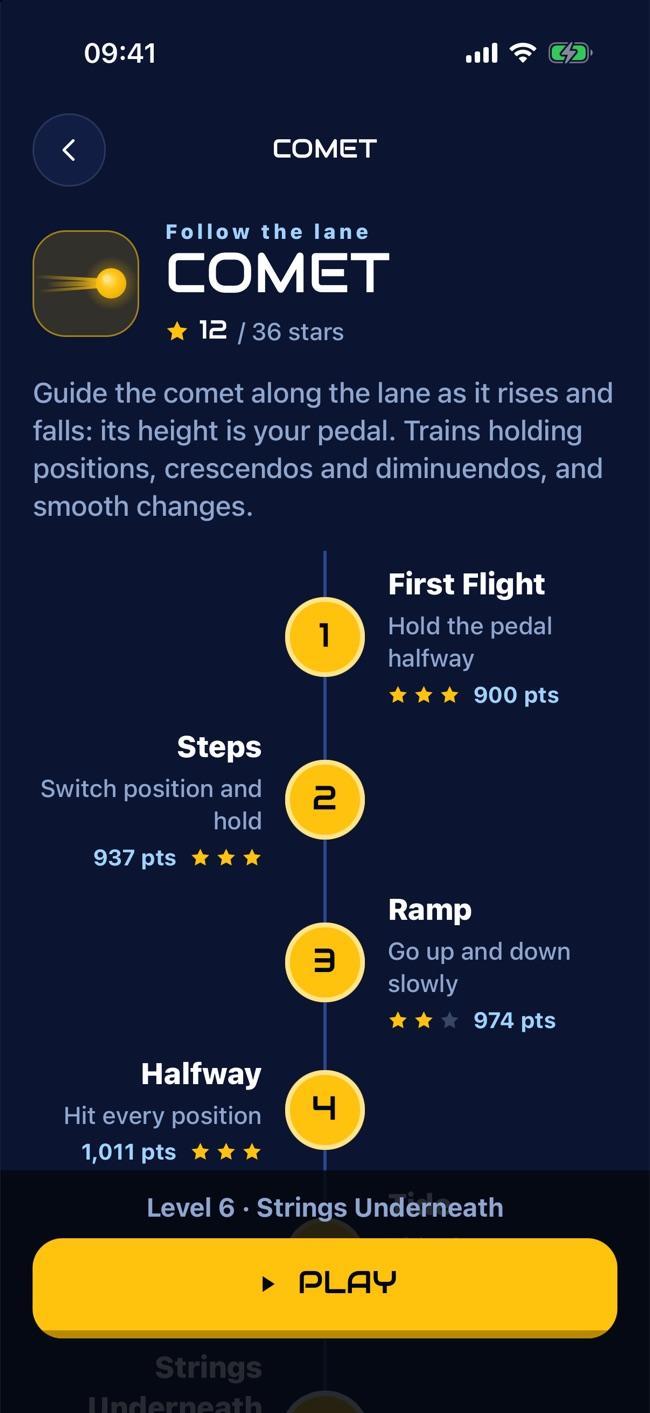
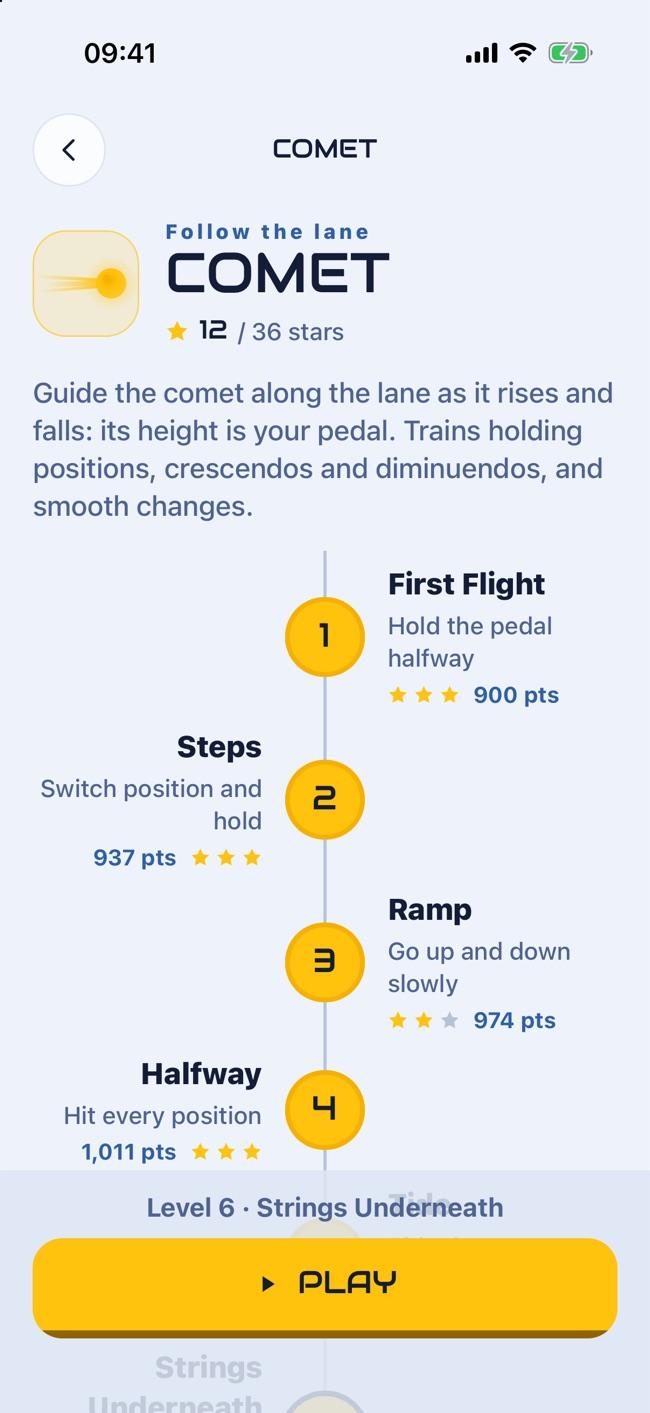
Follow a lane that rises and falls with the music. Builds smooth, continuous movement: crescendos and diminuendos without steps.
Speed and accuracy
Move the pedal to an exact point and stop there. Builds landing on the right level the first time, without overshooting.
Timing
Move the pedal in time with the music while it opens and closes a real wah. Builds precise, rhythmic movement.
Fine control
Small corrections to hold the pedal exactly where it needs to be. Builds stability and sensitivity in your foot.
24 classical pieces played in real time: the strings swell and fade with your pedal, just like a rehearsal.
Each exercise has its own path, from first steps to advanced. Up to 3 stars per level.
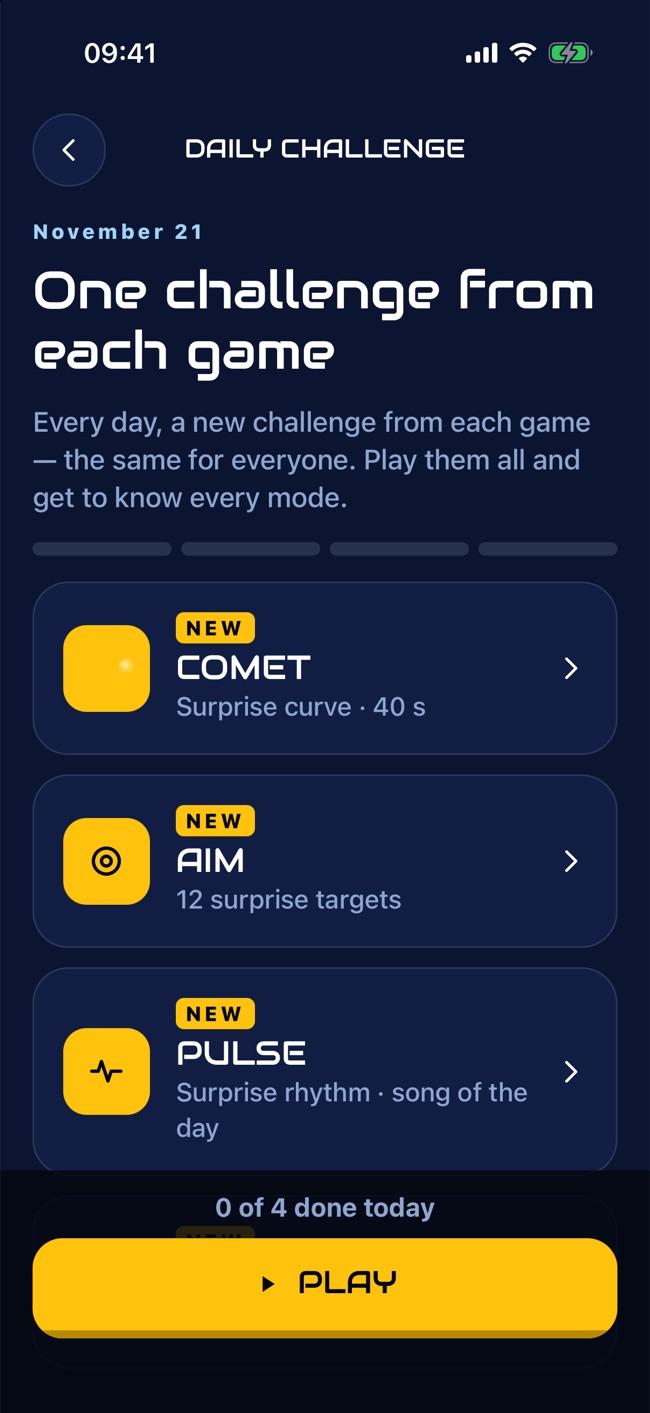
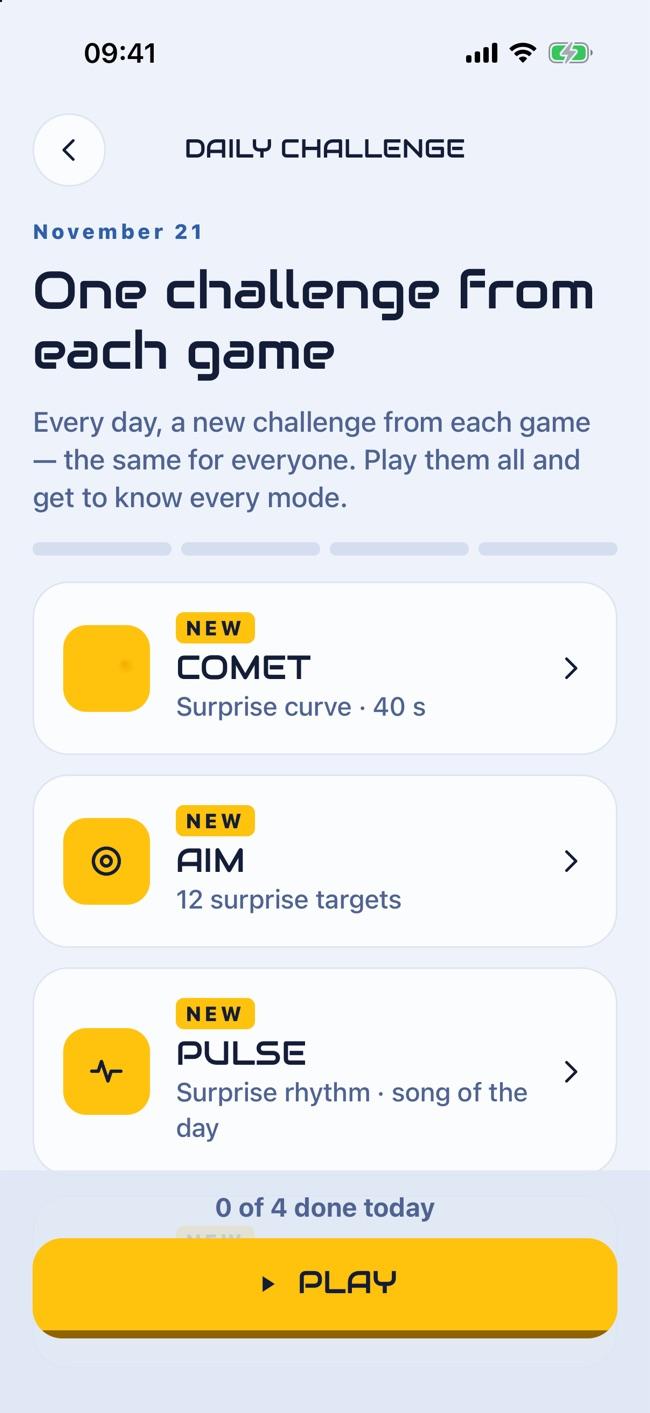
Every day, a new exercise of each kind — the same for everyone.
Practice streak and minutes trained, always in view.
The app shows where you lost precision and what to adjust next time.
The app
Hardware
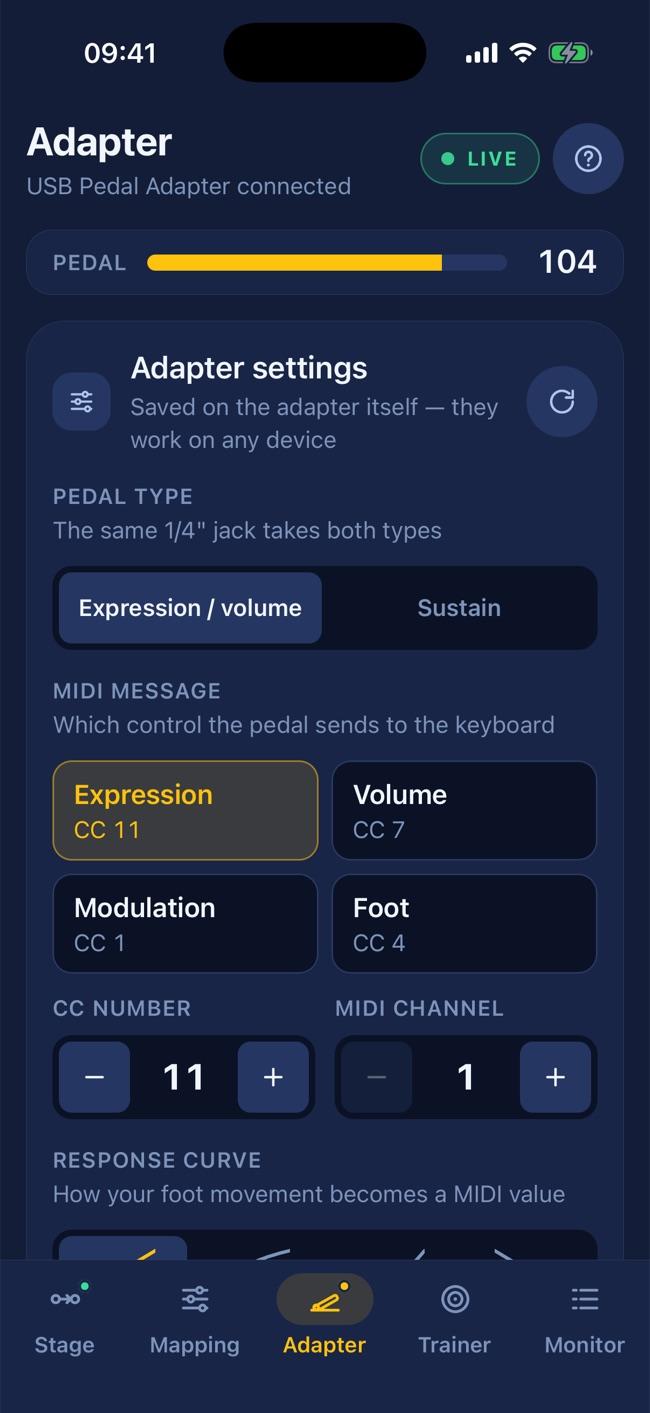
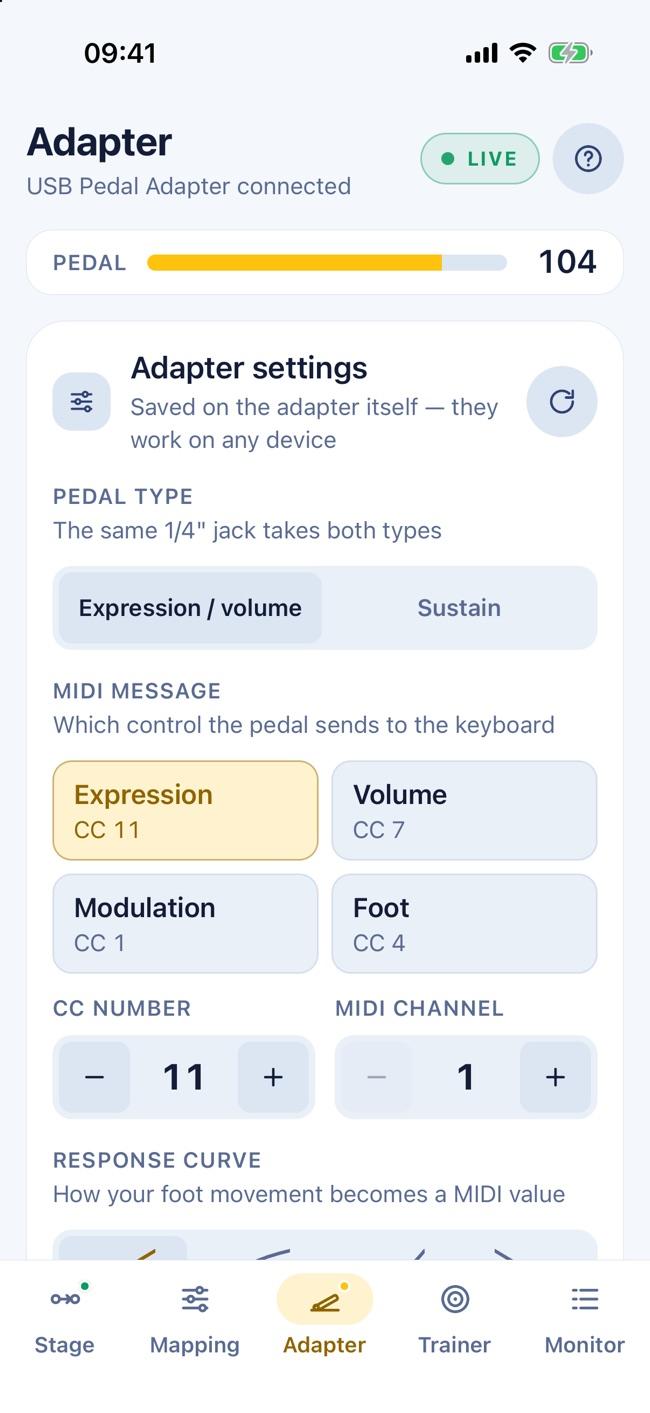
Turns any sustain or expression pedal (1/4" jack) into a USB MIDI controller. The app recognizes the adapter automatically and unlocks its settings: pedal type, polarity, controller, channel, range and curve — stored in the adapter itself.
Currently sold in Brazil only.
Outside Brazil? KeyLink works with any MIDI footswitch or controller, over USB or Bluetooth — such as the M-Vave Chocolate.
Pricing
No subscription, no ads. Pro is a one-time purchase that stays with your store account.
Final price is shown in the store, in your local currency. Bought the USB Pedal Adapter (Brazil)? Your Pro code is on the card in the box.
FAQ
A part of the app with short exercises that build expression-pedal control: following curves, landing on an exact point, moving in time with the music and holding the pedal steady. It works with any pedal or MIDI controller, shows your progress and gives you a tip after every session. Try it free for 5 minutes a day.
KeyLink delivers the signal; what the keyboard does with it is up to the keyboard. Many keyboards with few pedal inputs still accept the expression controller (CC 11) over USB, and their sounds respond to it — models like the Roland XPS-10 and the Casio Privia, which often share the sound engine of the brand’s pricier models. On other keyboards the message arrives and nothing happens. Sustain (CC 64) works on almost all of them. If in doubt, look for "MIDI Implementation" in your keyboard’s manual, or try the free version before buying Pro.
A USB to Host port (the "square" USB or USB-C port that connects the keyboard to a computer) with MIDI over USB. The Roland XPS-10, Casio Privia and most current keyboards have one.
Only when the pedal and the keyboard are both USB: then a USB-C hub connects both to the phone (a powered hub is the most stable and charges your phone too). With a Bluetooth footswitch, just the keyboard cable is enough.
Android: yes, thru keeps running in the background (the app asks to be excluded from battery optimization). iPhone/iPad: iOS pauses background apps, so the app keeps the screen on while the route is active — use dark stage mode.
Yes. Any standard (class-compliant) USB MIDI device: footswitches, controllers, other keyboards. The app passes every message through, not just the pedal.
Keyboards with a USB to Host port are made to connect to a computer: plugged straight into each other, neither one runs the connection and nothing happens. Your phone running KeyLink takes the computer’s place: both keyboards connect to the phone (through a USB-C hub, ideally a powered one) and the app passes notes, pedals and controllers from one to the other.
Yes, if your main keyboard can play parts on different MIDI channels (combination, performance or multitimbral mode). Put the second sound on a channel other than the keyboard’s own and send the second keyboard to that channel. See how it works.
Not necessarily. The free version already passes everything through (in 15-minute sessions). Pro comes in when the second keyboard can’t choose its MIDI channel: the app then forces the output channel for you.
Routing happens in native code, never through the user interface. In practice, the delay is not noticeable when playing. Over Bluetooth MIDI there is a little more delay, depending on the phone and the device — to play notes, prefer a cable.
No. Sign in with the same store account and tap Restore purchase (on the Pro screen or in Help).
KeyLink is an app for Android and iPhone/iPad. On a computer, the USB Pedal Adapter works directly, no app needed.
Download it free and try it with your own gear.