 KeyLink
Expression under your foot
Crescendos and diminuendos while your hands keep playing. The keyboard must respond to the expression controller (CC 11) over USB — see below how to check.
Casio Privia
Entry-level Privias such as the PX-S1100, PX-S1000, PX-160 and PX-770 have a beautiful piano, but no expression pedal input. With KeyLink, your phone connects the pedal to the keyboard over USB, and you control expression and volume with your foot.
Try it on your keyboard before you buy: the free version runs 15 minutes per session.
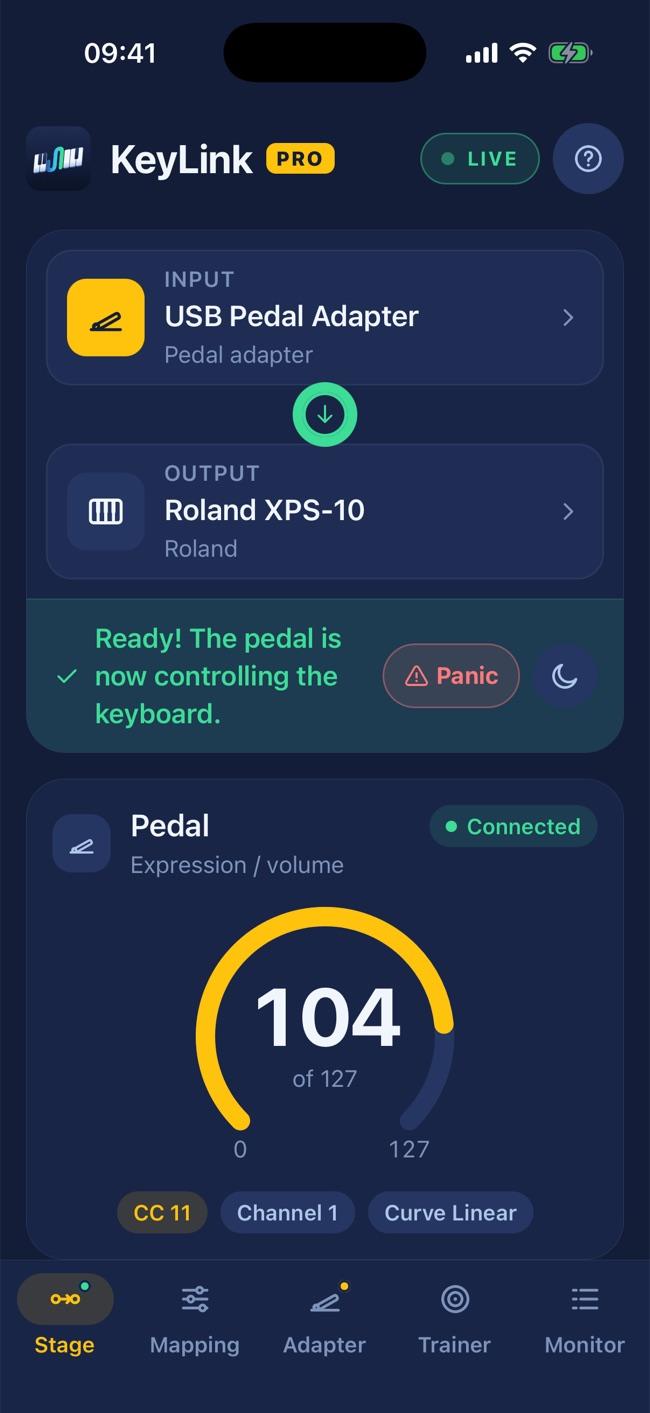
The back of these models has a sustain pedal input and, on some, one for the three-pedal unit — neither takes an expression pedal. To play strings, organ or pads with dynamics under your foot, that control is missing. (Stage models such as the PX-5S already have assignable pedal inputs.)
Crescendos and diminuendos while your hands keep playing. The keyboard must respond to the expression controller (CC 11) over USB — see below how to check.
Adjust the master volume (CC 7) without taking your hands off the keys.
A second sustain pedal, or sustain on a Bluetooth footswitch, with no cable across the stage.
How to check: find the "MIDI Implementation" document for your model on Casio’s website and see whether it receives CC 11 (Expression). Or just try it with the free version.
Download it free and try it with your own gear.
See also: Roland XPS-10 and XPS-10X · FAQ
Casio, Privia, Roland, XPS-10 and XPS-10X are trademarks of their respective owners, mentioned only to indicate compatibility. KeyLink is not affiliated with these companies.